

Text-to-Speech: Making Learning Inclusive and Fun
Empowering all learners with accessible content and engaging features.
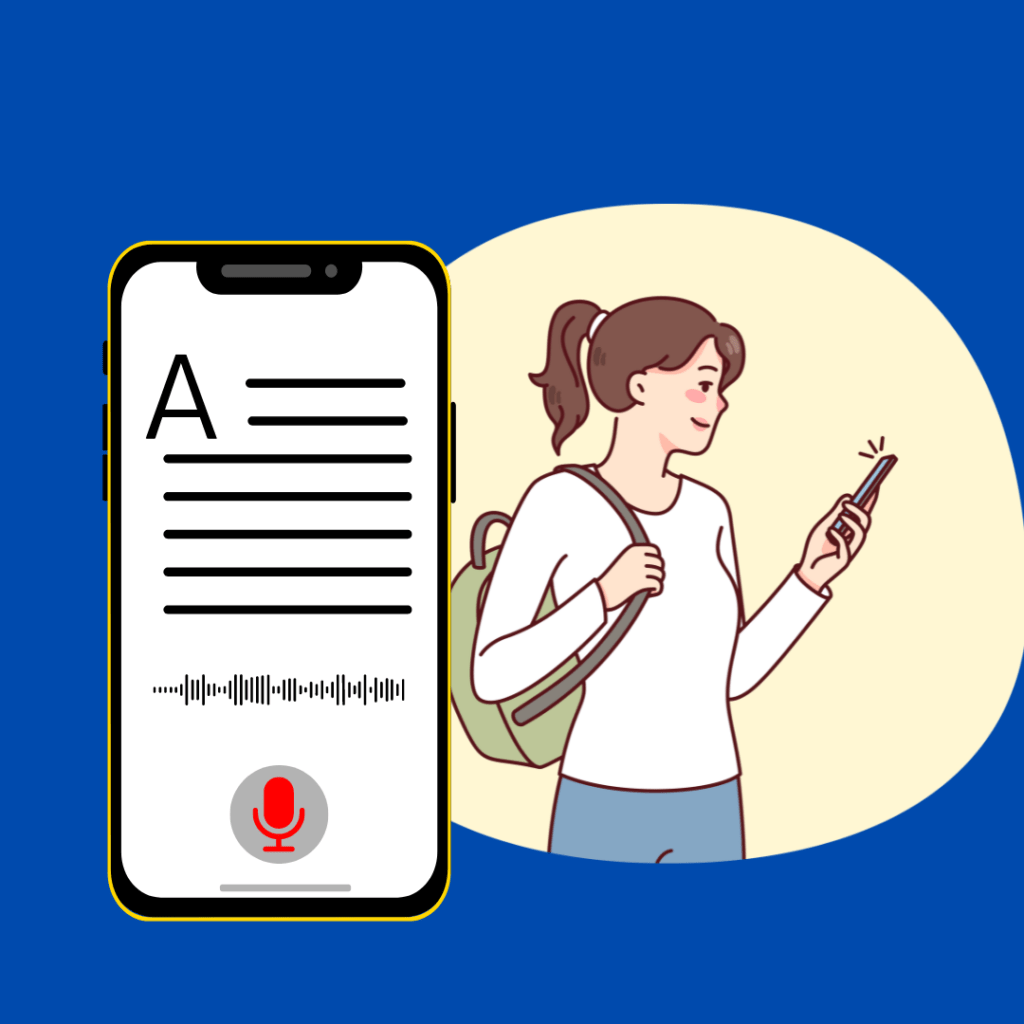
Student with Visual Impairment Learns About Mughal Empire
Actor: Student (16 years old) with Visual Impairment
Goal: The student wants to learn about the Mughal Empire for a school history project but cannot read text due to visual impairment.
System: Educational website ([xxx URL removed]) with integrated text-to-speech functionality.
Steps:
The student visits [xxx URL removed] and uses a screen reader software to navigate the website.
They search for “Mughal Empire” and find several articles on the topic.
The student feels relieved to find a speaker icon next to each article title. They activate the text-to-speech function for an article titled “The Rise of the Mughal Empire.”
The website reads the article aloud in a clear voice. The student can focus on the information without needing to see the screen.
The website allows them to adjust the reading speed for optimal comprehension.
The student can pause the narration at any point using voice commands or a keyboard shortcut to take notes using their screen reader’s note-taking feature.
After listening to the article, the student feels confident in their understanding of the Mughal Empire’s early period. They can use this knowledge for their project.
Benefits:
The student gains independent access to educational content, overcoming their visual impairment.
Text-to-speech improves comprehension and focus for the student.
Adjustable reading speed allows the student to learn at their own pace.
The student can take notes effectively using their screen reader software.
Alternative Flow:
If the website doesn’t have a built-in TTS function, the student can use their screen reader software’s built-in text-to-speech functionality to achieve a similar outcome.